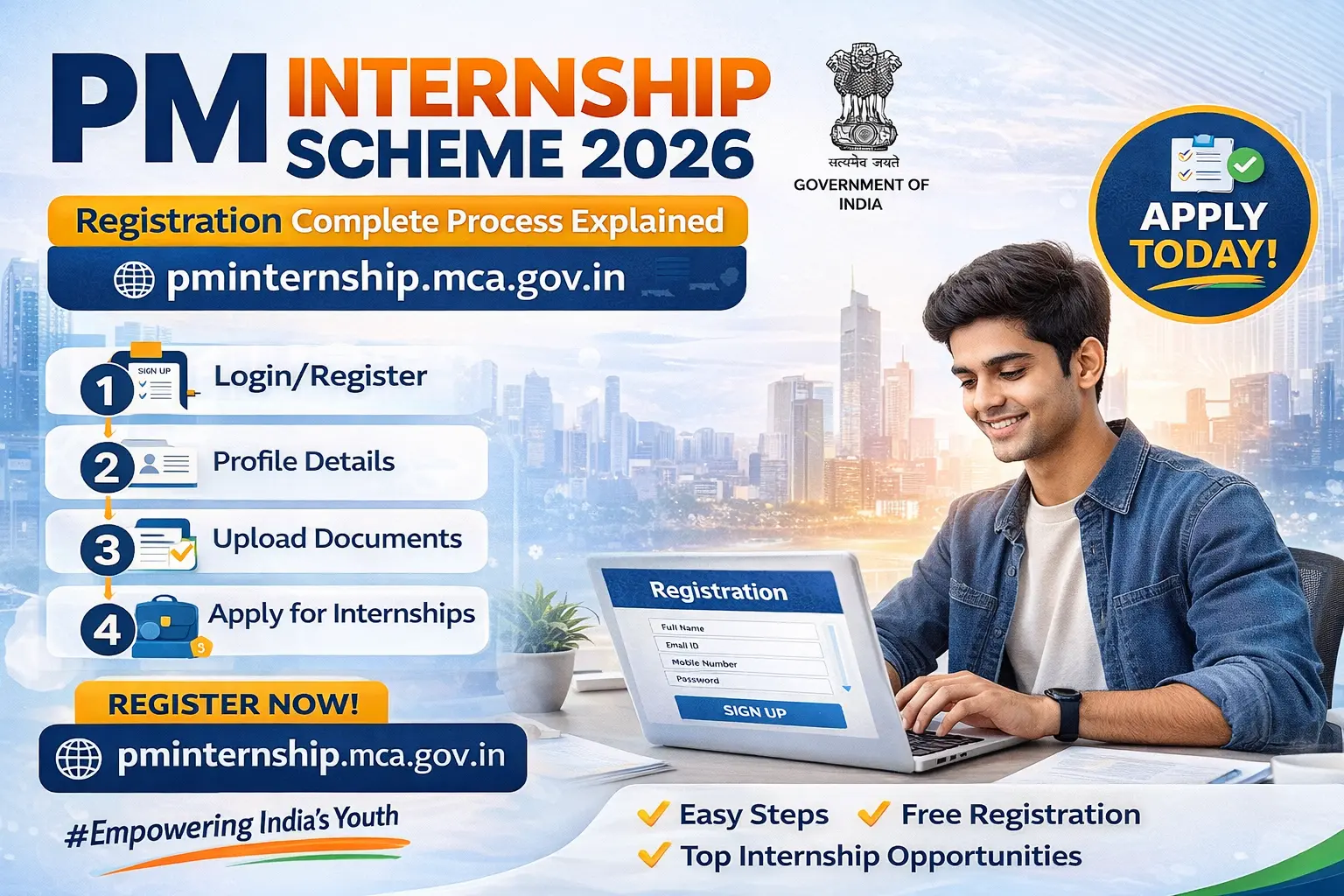
The PM Internship Scheme Registration 2026 process is a crucial step for students and young professionals who want to gain real-world experience through government-supported internships. With thousands of opportunities available in top companies, understanding how to register correctly on the PMIS portal can significantly improve your chances of selection.
In this detailed guide, we will explain the complete PM internship scheme registration process, eligibility, required documents, and tips to successfully apply.
What is PM Internship Scheme Registration?
The pm internship scheme registration process is the first step to participate in the Prime Minister Internship Scheme (PMIS). Through registration on the official portal (pminternship.mca.gov.in), candidates can create their profiles, explore internship opportunities, and apply for positions in leading organizations.
This online system ensures a transparent, fast, and accessible application process for youth across India.
Why PM Internship Scheme Registration is Important
Registering on the PMIS portal allows you to:
- Access internship opportunities in top companies
- Create a professional profile for recruiters
- Apply to multiple internships easily
- Track your application status in real time
- Get updates and notifications from companies
Without completing registration, you cannot apply for internships under this scheme.
PM Internship Scheme Registration 2026: Step-by-Step Process
Follow these steps to complete your registration successfully:
Step 1: Visit the Official Website
Go to the official portal: pminternship.mca.gov.in
Step 2: Click on Login/Register
- On the homepage, click the Login/Register button
- Choose the option to create a new account
Step 3: Enter Basic Details
Provide the required information such as:
- Full Name
- Mobile Number
- Email ID
- Date of Birth
Note: Verify your mobile/email using OTP.
Step 4: Create Login Credentials
- Set a strong password
- Save your username and password securely
Step 5: Complete Profile Details
After registration, log in and fill:
- Educational qualifications
- Skills and interests
- Preferred internship sectors
- Address and personal details
Step 6: Upload Required Documents
Upload clear and valid documents:
- Resume/CV
- Educational certificates
- Passport-size photo
- Identity proof (Aadhaar)
Step 7: Save and Submit Profile
- Review all entered details
- Click on Submit/Save Profile
- Your registration is now complete
Eligibility for PM Internship Scheme Registration
Before registering, check the eligibility criteria:
Age Limit
- 18 to 25 years
Educational Qualification
- 10th / 12th pass
- ITI / Diploma holders
- Undergraduate students
- Postgraduate students
- Final-year students
- Online/distance learners
Documents Required for Registration
To avoid delays, keep these documents ready:
- Aadhaar Card
- Educational certificates
- Resume/CV
- Passport-size photograph
- Valid mobile number & email ID
After Registration – What’s Next?
Once you complete the pm internship scheme registration, you can:
- Browse available internships
- Apply to multiple companies
- Track application status
- Receive interview/selection updates
👉 Registration is just the beginning—active participation increases your chances.
Stipend Details
- Selected interns receive ₹9,000 per month
This helps candidates manage expenses while gaining experience.
Common Mistakes During Registration
Avoid these common errors:
- Entering incorrect personal details
- Incomplete profile submission
- Uploading unclear documents
- Using inactive mobile/email
- Not updating skills properly
Benefits of PM Internship Scheme Registration
- Easy online application process
- Access to multiple opportunities
- Transparent selection system
- Industry exposure and skill development
- Improved job prospects
You may like to read the top help guides:
- PM Internship Scheme Apply Online 2026: Step-by-Step Registration Guide [Full Details]
- PM Internship Scheme 2026: Apply Online, Eligibility, Stipend & Full Details
- PMIS Portal: PM Internship Registration, Eligibility, Duration & Apply Link
FAQs on PM Internship Scheme Registration
How to register for PM Internship Scheme 2026?
Visit the official portal, click on Register, enter your details, verify OTP, and complete your profile to finish the registration process.
Is PM Internship Scheme registration free?
Yes, registration on the PMIS portal is completely free for all eligible candidates.
Can I edit my profile after registration?
Yes, you can log in anytime and update your profile details, skills, and documents.
Is registration mandatory before applying?
Yes, you must complete registration before applying for any internship.
What happens after registration?
After registration, you can apply for internships, track applications, and receive updates from companies.
Conclusion – PM Internship Scheme Registration 2026
The PM Internship Scheme Registration 2026 process is simple, user-friendly, and essential for accessing internship opportunities under this government initiative. By following the step-by-step process and completing your profile correctly, you can significantly improve your chances of selection.
If you are serious about building your career, don’t delay—complete your registration today and take your first step toward a successful future.